
Feedback Logging
Feedback logging for NMC revalidation and professional reflection
HandyCPD helps you record, review and organise feedback from service users, colleagues and other professionals as part of your CPD logging workflow. It is especially useful for NMC nurses and midwives preparing revalidation records, and also helpful for other professionals who want clearer feedback records alongside their wider CPD history.
HandyCPD helps you organise and review feedback records. You remain responsible for checking entries and ensuring your records meet any regulator, employer or professional requirements.
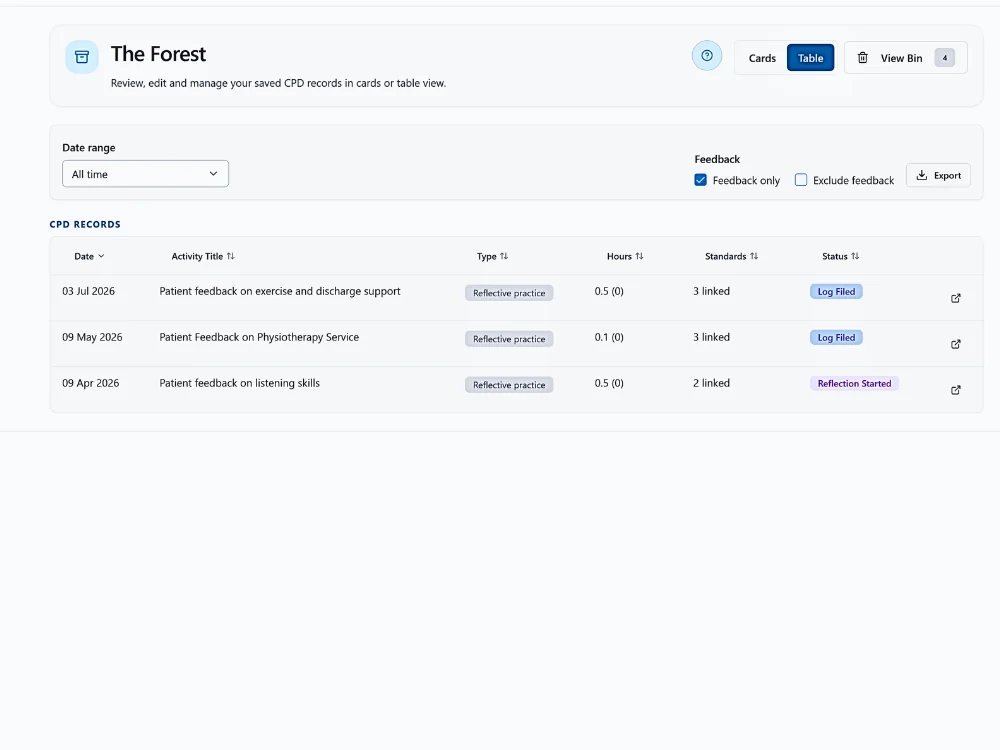
- Capture feedback clearly: record feedback from text, notes, images or files as part of the CPD logging workflow.
- Review before filing: check and edit the feedback status before the record becomes part of your CPD history.
- Reflect when useful: turn meaningful feedback into structured reflection when it supports professional growth.
Capture feedback from everyday practice
Start in Plant a Seed with typed notes, uploaded images, documents or other evidence. HandyCPD can help identify when an entry appears to be feedback and can flag likely feedback for review — you check and confirm the feedback status before filing.
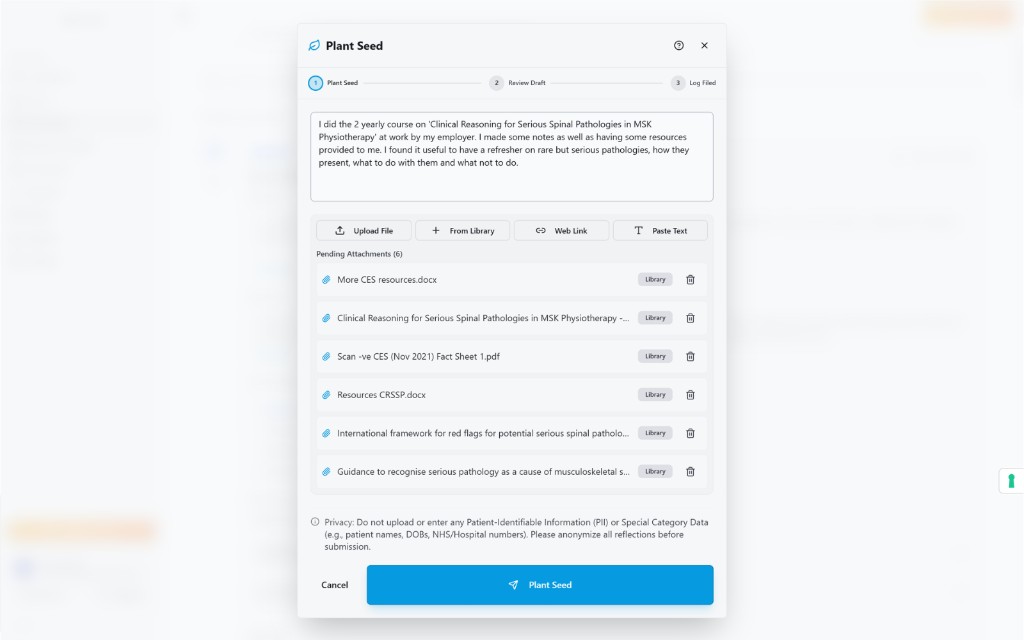
Review and confirm the feedback record
During CPD log review, feedback is flagged so you can check the wording, edit details and confirm the status. You stay in control of accuracy and how the record is described before it joins your CPD history.
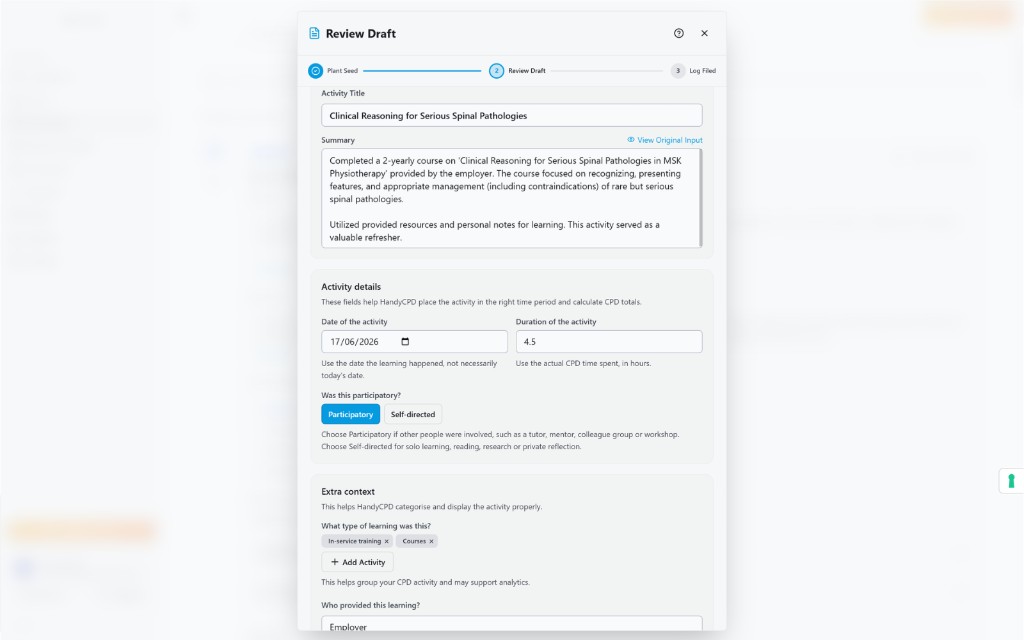
Find feedback records when you need them
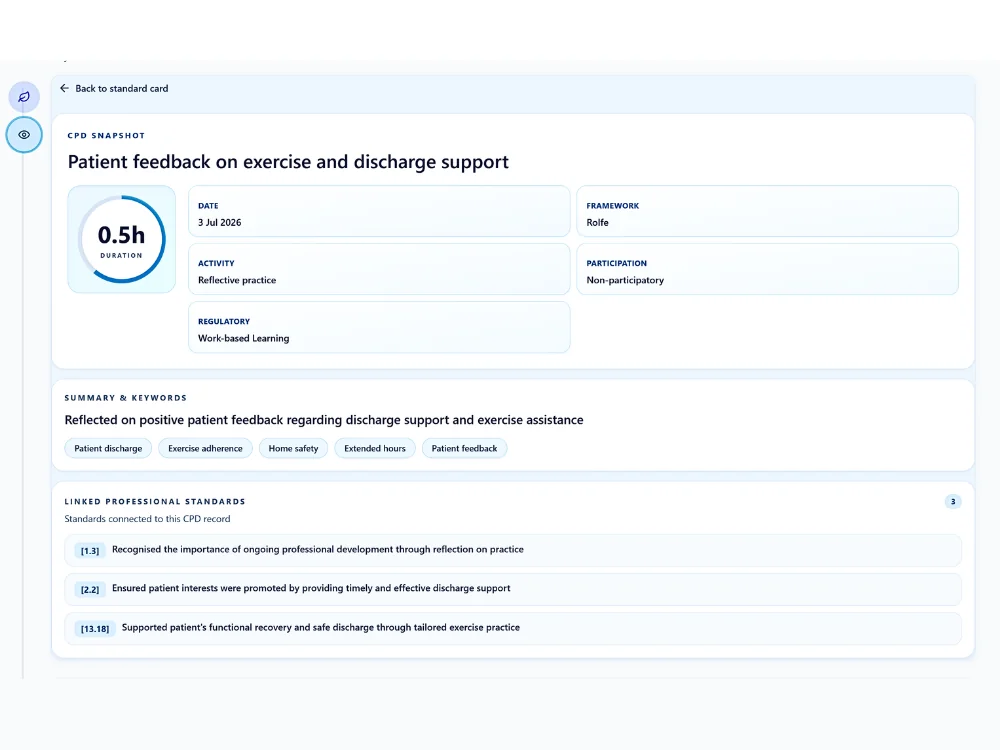
Feedback-marked CPD logs can be filtered in the CPD log table, making it easier to review feedback entries together. That supports NMC revalidation preparation, CPD review, export or analysis — and is equally useful when you want a clearer view of feedback across your professional records.
Link evidence and reflect on feedback
Evidence added at the time, or linked later, is stored in the Evidence Library and stays connected to the CPD log card in the Forest. When feedback supports learning or professional growth, you can use the Reflection Engine to reflect on it in a structured way.
Works with the rest of HandyCPD
Feedback Logging sits alongside your wider CPD workflow. Use CPD Logging to record learning activities, the Reflection Engine to reflect on meaningful feedback, the Evidence Library to store supporting files, the CPD Dashboard and CPD Analytics to review activity and themes, Standards Mapping to connect learning to relevant frameworks, and CPD PDF Export when you need reviewed records for your portfolio.
Built for NMC, usable by others
Feedback Logging is designed with NMC revalidation record keeping in mind, but it is not limited to NMC users. HandyCPD is not affiliated with or endorsed by the NMC and does not guarantee revalidation or compliance outcomes.
Ready to organise feedback as part of your CPD records?
Capture feedback in Plant a Seed, review the flag and keep feedback records you check and approve.
30-day Pro trial. No card required.